review
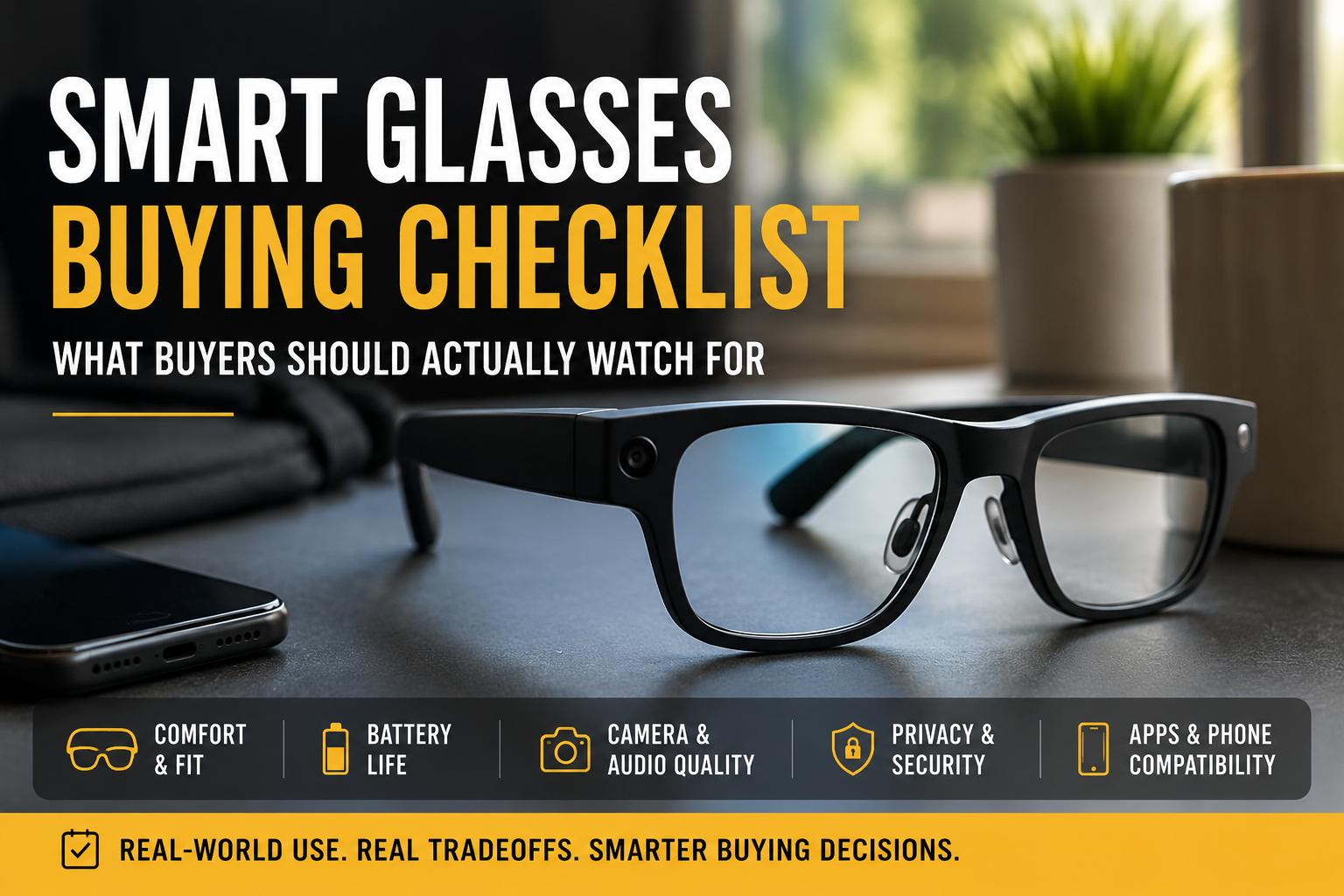
Smart glasses buying checklist: what to actually watch for
Smart glasses are tempting, but don’t buy on novelty. This checklist walks through the practical features and tradeoffs to check before you spend.
Smart glasses buying checklist: what buyers should actually watch for / product
Published: May 31, 2026 / Updated: Jun 2, 2026
Prices, availability, and product details can change. Check current details with the seller before buying.
Article
Overview
Smart glasses promise hands-free photos, quick calls, and voice help without pulling out a phone. That sounds useful until you realize most models trade off comfort, battery, or simple compatibility to get those features.
This guide cuts through the marketing and focuses on the everyday facts that determine whether smart glasses will be useful for you. Expect notes on fit and comfort, battery life, audio and camera quality, privacy and app support, prescription options, durability, and practical use cases.
BuyerProbe is aimed at people who want a useful device, not a gimmick. I’ll point out the common pitfalls, the tradeoffs you will face, and the real reasons some buyers should wait while others will benefit right now.
Use this checklist to ask the right questions at the store, in product Q&As, or when reading spec sheets and reviews. It will save you money and frustration down the line.
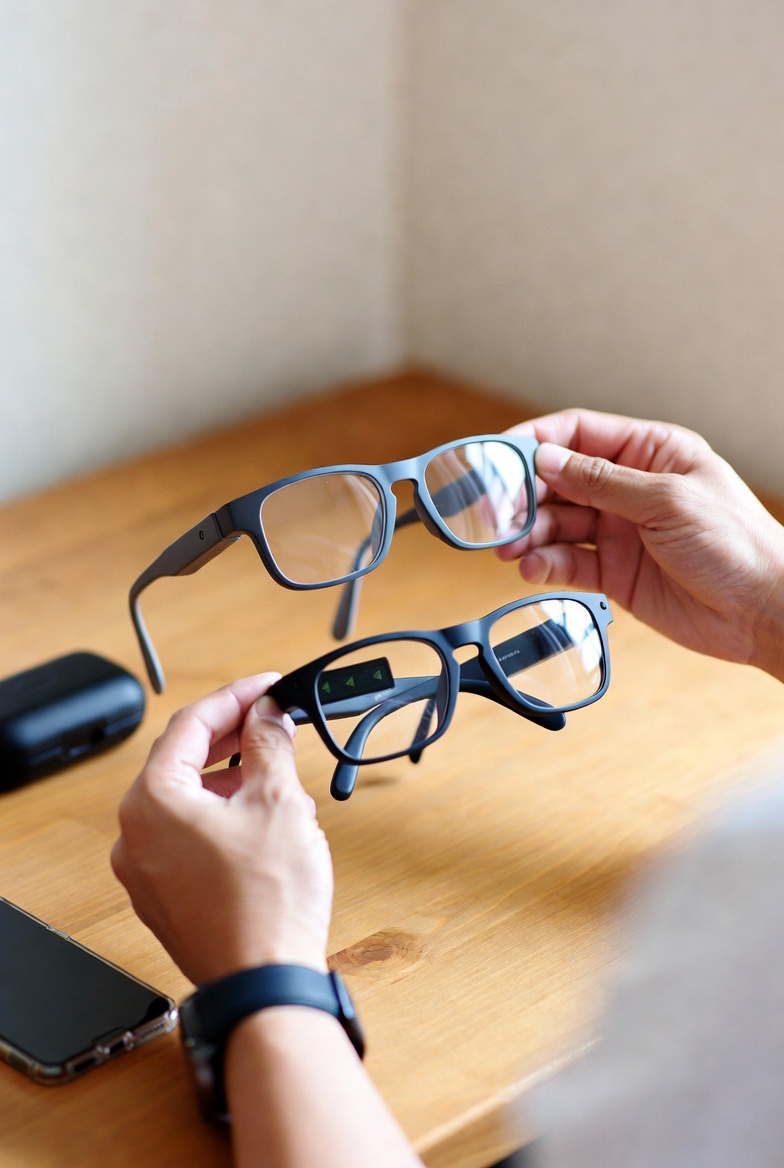
BuyerProbe take: realistic expectations, not hype
Smart glasses are interesting and improving, but they are still gadgets with limits. Think of them as a convenience layer for specific tasks, not a replacement for your phone or a sci‑fi heads‑up display. The best ones make a few things noticeably easier, like hands‑free notifications, quick voice queries, or discreet audio, and they do those things well enough to justify wearing them sometimes.
Expect tradeoffs. Battery life, display brightness, privacy rules, and app support are persistent weak spots. If a maker promises full phone-level performance, treat that as marketing spin. In practice you will choose which compromises you accept: battery versus features, lightweight frames versus camera quality, or a clunky UI versus reliable voice control.
Buyers should match the glasses to real use cases: commuting with audio directions, quick glanceable info while biking, or hands-free calling during work. If your day needs heavy web browsing, gaming, or professional photo/video capture, current smart glasses are not a clean substitute for dedicated devices.
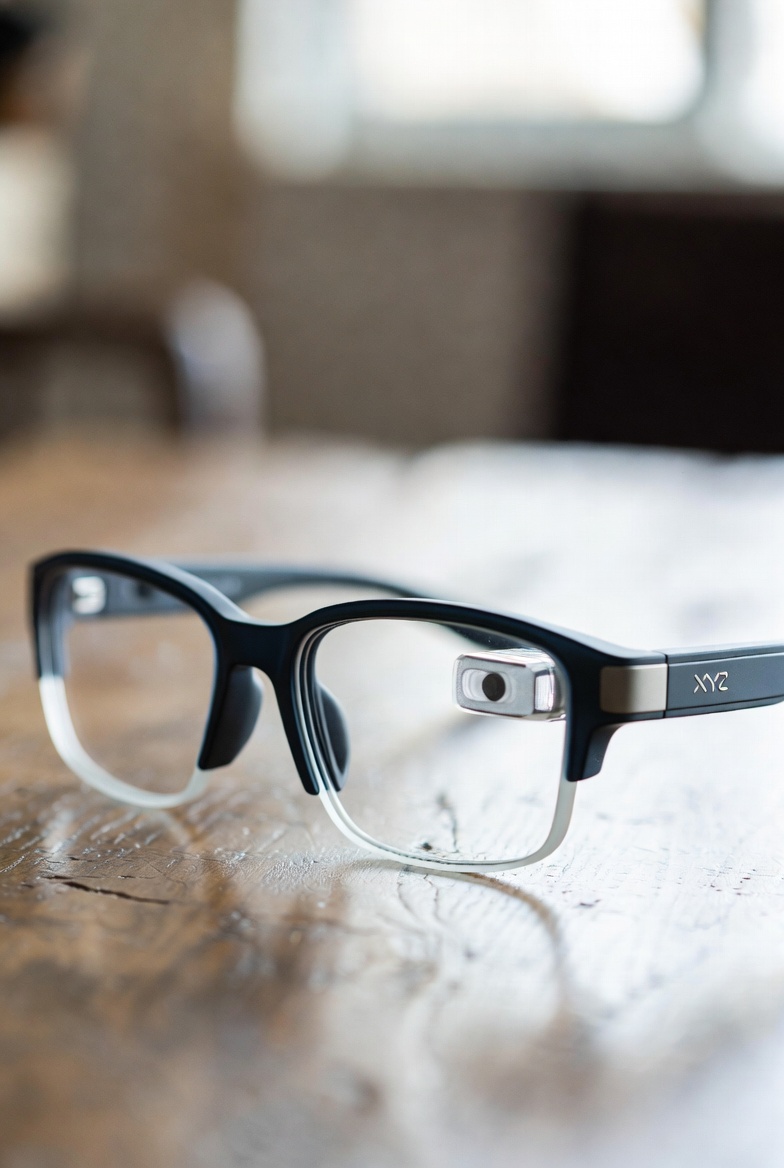
What smart glasses are actually good for
Smart glasses are not a replacement for your phone. They are a convenience layer that keeps your hands free and your head up. For anyone who values capturing moments without fumbling for a phone, they do one simple thing well: hands-free photos and video. That matters for parents, cyclists, tourists, and anyone who wants quick point-of-view clips without mounting a camera.
Beyond casual capture, the best use cases are short, focused interactions. Calls and music playback work well because audio is already a solved problem. A quick voice query to an assistant, short directions while walking, or a heads-up notification that you can glance at,those are practical wins. Don’t expect long-form media watching or heavy productivity. The displays are small and not suited for extended reading or complex multitasking.
Travelers and commuters will get the most everyday value. Turn-by-turn cues, translation snippets, and hands-free photo journaling smooth out common pain points. Content creators will find them useful for b-roll, POV shots, and reference clips, but there are tradeoffs: battery life, image quality in low light, and limited editing tools mean you still need a phone or computer for finished work.
If you want a gadget that replaces everything your phone does, look elsewhere. But if you want subtle, immediate features that remove small frictions,quick captures, short voice interactions, and discreet audio,smart glasses deliver. When buying, prioritize battery life and camera performance for your expected use case, and be realistic about how often you will actually reach for the glasses instead of the phone.
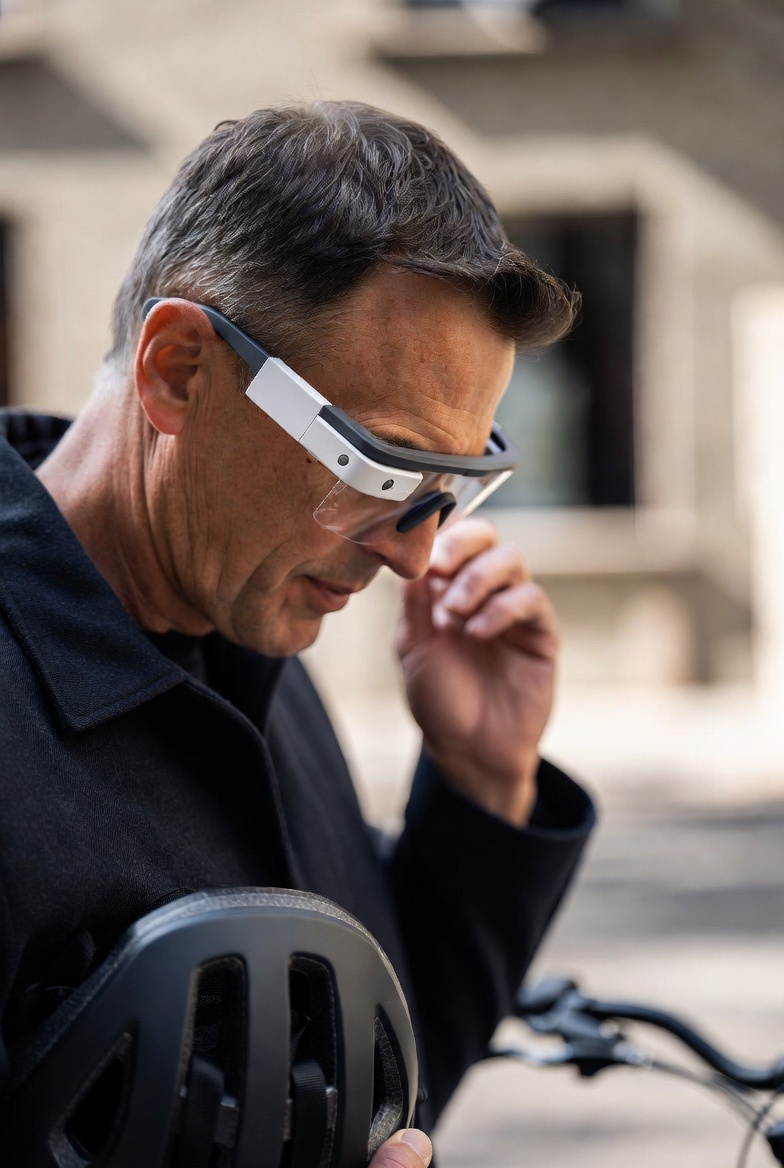
Comfort matters more than specs
Most buyers get drawn to camera megapixels or processor names, then realize comfort decides whether you actually wear smart glasses. Weight is the big one. Ten or 20 grams difference feels small on paper and annoying after an hour. Check how the weight is distributed. Glasses that balance across the bridge and temples feel more like regular eyewear. Ones with heavy fronts or battery packs on one side feel like a gadget strapped to your face.
Nose pressure and frame fit are the second set of complaints. Look for adjustable nose pads or several frame sizes. A shallow nose pad or hard plastic bridge will dig in after a few hours. Frame width matters too. Too narrow and the temples squeeze; too wide and the glasses shift when you turn your head. If your prescription needs lenses fitted, confirm how the vendor handles custom sizing and whether the frame can accommodate thicker lenses.
Heat and ventilation are often ignored until the first long call. Electronics that sit near the temple or ear can create a warm spot. That is tolerable on short walks but unpleasant for long commutes or workdays. Finally, consider how the glasses feel socially and practically. Do they look like normal frames or like a visible tech bar? That affects whether you wear them around others, and sometimes how comfortable you feel using features like voice commands in public.
Battery life is the real compromise
Battery life is where the marketing usually meets reality. Manufacturers quote numbers from controlled tests or with the screen off. In everyday use, things that actually matter to people , recording video, using the bone-conduction speakers, making calls, running on-device AI or augmented-reality overlays , drain the pack much faster than standby figures suggest.
Plan for half of the listed runtime if you intend to use the glass heavily. That’s a practical rule of thumb: a model rated for 8 hours of ordinary use might only give you 3 to 4 hours with intermittent video and audio. If you need all-day reliability carry a small USB-C battery pack or choose a model with hot-swappable charging cases, even if it adds bulk.
There’s a tradeoff between battery size and comfort. Bigger batteries extend run time but add weight and change balance on the nose and ears. If you expect long recording sessions, favor comfort and good battery life over super-thin frames. If your use is mostly notifications and music, slimmer models will be fine.
Warning: don’t trust fast-charge claims without checking real-world recovery time. Some units top up quickly for short bursts, but sustained heavy use still needs longer charging. Think about your day, not the glossy spec sheet, and plan charging options accordingly.

Camera and microphone: what to expect in real use
Smart‑glass cameras are useful for quick hands‑free clips, but they are not a replacement for a phone or dedicated action camera. In daylight most will produce perfectly acceptable video for social posts or documentation. Do not expect clean low‑light footage, rich detail, or wide dynamic range. Indoor shots often look soft and noisy unless the device specifically advertises a larger sensor.
Stabilization varies a lot. Some systems use electronic stabilization and software cropping, which helps walking shots but narrows the field of view. Optical or sensor‑level stabilization is rare in glasses because of size limits. If you plan to record active movement, check sample clips from real users and expect some jitter or cropping.
Microphones are another compromise. They will capture clear speech in quiet environments and are handy for voice notes, but wind and ambient noise can ruin outdoor recordings. Pay attention to whether the glasses use multiple mics and have wind‑reduction processing. Also consider pickup pattern and how far you need to be from the microphone,talking at arm's length will often sound distant.
Finally, judge the camera style by how natural the clips look. Narrow, portrait‑style framing or odd fisheye distortion makes footage feel gimmicky. For practical use pick glasses with a realistic field of view and neutral color reproduction. If you need high‑quality video or audio for professional work, plan to use external gear instead of relying on smart‑glass built‑ins.

Audio quality and privacy: what you will actually get
Most smart glasses use open-ear speakers or bone-conduction drivers rather than in-ear buds. That keeps your ears free and helps you stay aware of your surroundings, but it also limits bass and overall fidelity. Expect midrange-focused sound good for voice, navigation prompts, and podcasts, not for feeling the kick in a track. If music fidelity matters, plan to carry a second pair of proper headphones.
Open-ear designs leak sound. In quiet environments people nearby can hear what you’re listening to, especially at higher volumes. That can be awkward in meetings, public transport, or quiet offices. Some frames manage leakage better than others, so check reviews for real-world tests rather than relying on manufacturer claims.
Call quality depends on the mic array and noise cancellation, not just speaker type. Wind and traffic still cause problems. If you take many phone calls outdoors, look for glasses with multiple beamforming mics and explicit wind-noise suppression, and be ready to switch to a phone or headset in very noisy places.
Privacy goes both ways. Open speakers mean others can overhear you, and always-listening voice assistants raise obvious concerns. If anyone near you is sensitive about being recorded, or if you need private listening, these glasses are a tradeoff. For commuting, exercise, and hands-free navigation they work well. For private phone calls and high-fidelity music, they are often a compromise.
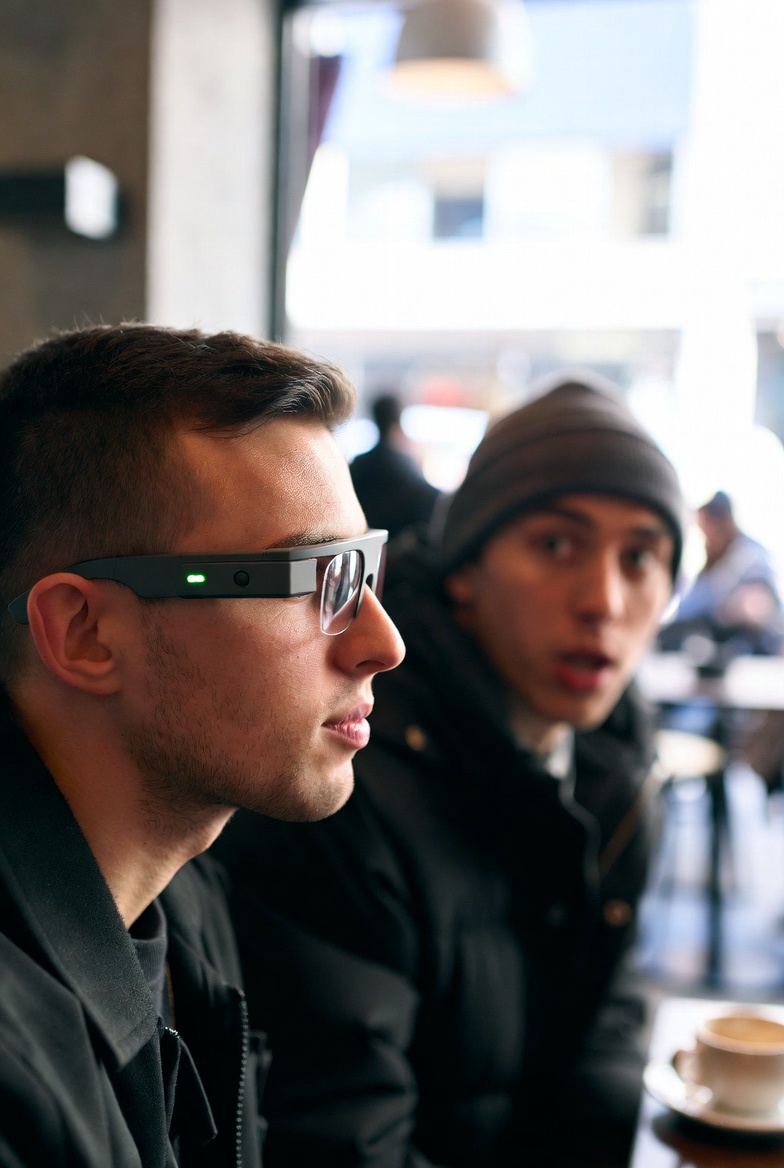
Privacy trouble you should not ignore
Smart glasses put a camera and microphone inches from other people’s faces. That changes the social dynamic in public and at work. A small LED blink or a discreet tone may be enough legally in some places, but it rarely settles the social awkwardness. Expect people to ask questions, to move away, or to refuse conversation more often than they do around phones.
Workplaces and schools are especially sensitive. Many companies restrict wearable cameras for confidentiality and safety reasons. If you plan to use smart glasses at work, clear it with HR or security first. Don’t assume the glasses are allowed because the camera is tiny or the device claims compliance with some privacy standard.
Look closely at how each model signals recording. Some glasses use visible LEDs, others rely on subtle sounds or app notifications. Prefer models with unambiguous, hardware-level indicators over software-only signals. Software could be disabled, and people will trust a visible light more than an app popup.
Also consider the law and cultural expectations. Recording consent rules vary by jurisdiction. Even where recording is legal, you may face confrontation or reputational damage. For many buyers, the tradeoff is clear: smart glasses are great for quick hands-free notes or capturing personal memories, but they are a poor choice when you need to blend in or avoid making others uncomfortable.
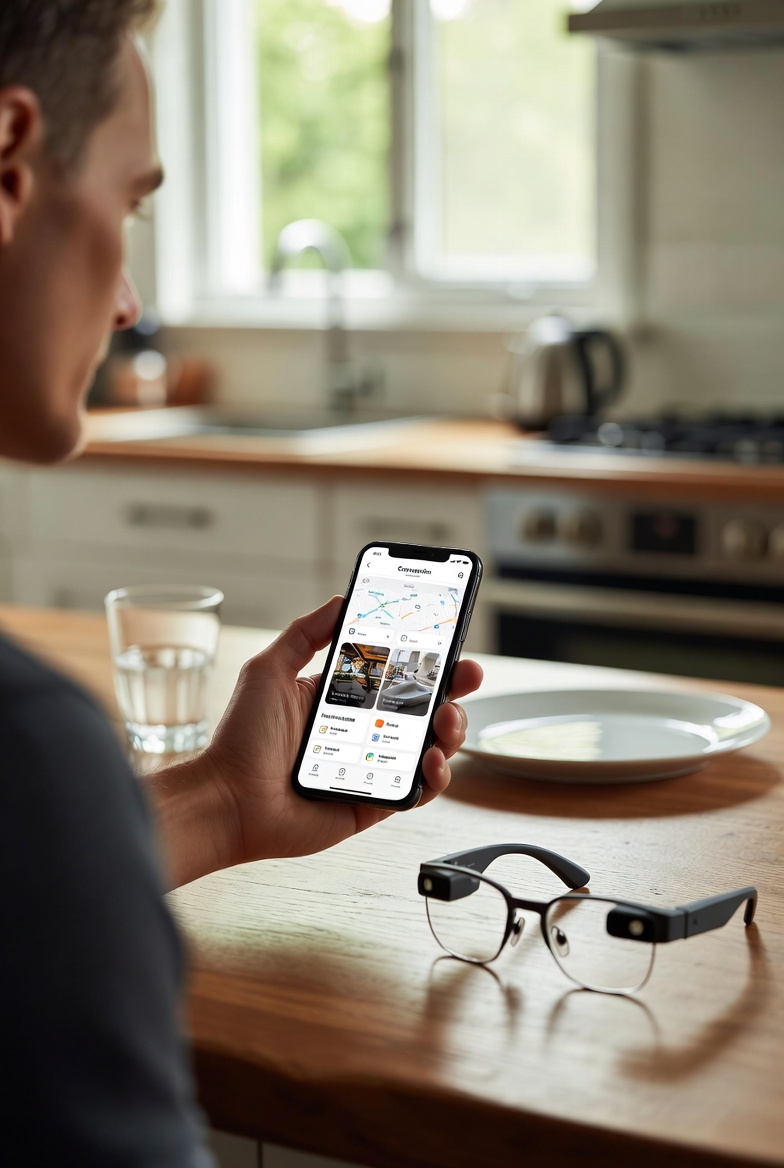
App support, phone compatibility, and prescription lens realities
Smart glasses are only as useful as the apps and phone they work with. Before you get excited about neat features, check whether the manufacturer supports your phone OS, the required app versions, and whether core features live in the app or on the glasses. Many advanced features, like cloud backups, AI captions, or firmware updates, require an account and ongoing cloud access. That means you are often signing up for a service as much as buying hardware. If the app ecosystem is thin or the vendor drops support, useful functions can vanish overnight.
iPhone and Android support is not interchangeable. Some glasses have a fully featured iOS app but crippled Android support, or vice versa. Also watch for feature parity, not just pairing. Notifications, gesture controls, and assistant integration can behave differently on each platform. If you rely on a particular assistant, confirm whether the glasses forward queries to Siri, Google Assistant, or their own AI, and what that means for privacy and latency.
If you need prescription lenses, the decision changes. Many vendors charge extra for prescription inserts or only offer a limited range of prescriptions. That adds cost and can limit your choice of frames or tints. Ask whether the company uses in-house optics or lets third-party opticians fit lenses. If you prefer your regular optician, check whether frames are compatible with standard lab work and whether doing so voids the warranty.
Also consider daily-use realities: photochromic or transitional lenses and polarized sunglasses are sometimes unavailable or expensive. Replacement lenses and scratches are a real-world headache, and warranty terms often exclude damage from aftermarket lens swaps. If you rely on smart glasses as your primary eyewear, budget for higher lens costs and confirm service options ahead of purchase.
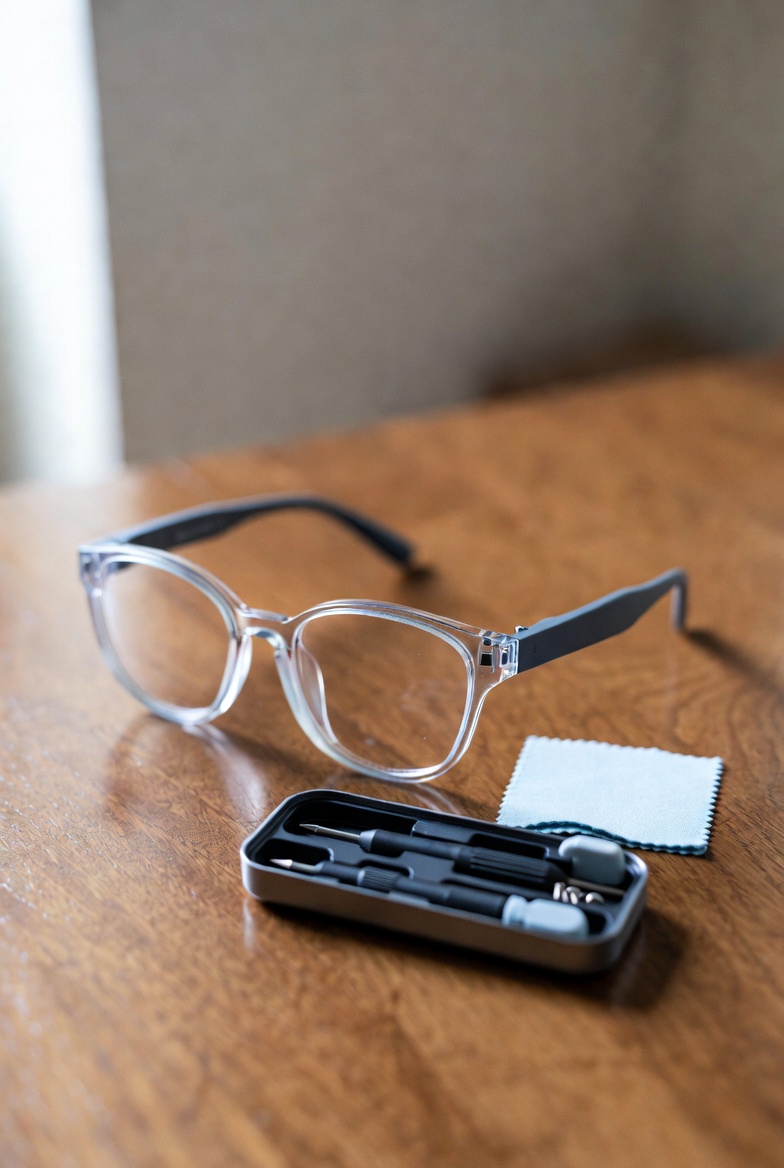
Prescription lenses, durability, and real daily use
If you need prescription lenses the buying equation changes. Many smart-glass frames require specific lens shapes or are compatible only with the maker's own optics. That often means extra cost and longer wait times because lenses are ordered through the vendor or a limited list of partner opticians. Ask up front whether your prescription fits the frame, whether they can do progressive lenses, and whether you can add transitions or sunglasses tint. Those add-ons are common in normal eyewear but are sometimes limited or expensive for smart frames.
Warranty and repair policies matter more than in regular glasses. Smart frames contain batteries, tiny electronics, and fragile cameras and speakers. Hinges and charging ports are small failure points. Check how the company handles drops, water exposure, and scratched lenses. A one-year limited warranty that excludes accidental damage is typical, so plan to buy a protection plan or budget for repairs or a replacement pair sooner than you would for plain eyewear.
Battery life and component aging are real-world failure modes. Batteries degrade, connectors corrode, and thin cables inside temples can break if you constantly flex the frame. That means even with careful use, performance can fall off after a couple of years. Make sure replacement parts are available and that the vendor offers a repair service. If parts are proprietary and non-repairable, you are effectively buying a disposable gadget masquerading as eyewear.
In practice, pick a model that balances optics compatibility and repairability for your needs. If you already have a favorite optician, favor brands that work with independent labs or offer lens-only swaps. If you rely on robust outdoor use, prioritize water resistance and rugged hinge design over marginally thinner frames. For many buyers the safest path is a smart-frame try-on, confirmation of lens options in writing, and a clear read on the vendor's warranty and repair process before you commit.

Buy this if you already know how you'll use smart glasses
Buy smart glasses if you have a clear, repeatable use case. They make sense for content creators who need quick hands-free capture, commuters who want brief audio prompts and notifications without pulling out a phone, and travelers who want to jot down navigation or capture moments without juggling a camera. Tech enthusiasts who enjoy early access to new interaction models will also get more value than casual buyers.
Prefer smart glasses when you need simple workflows, not full phone replacement. If you plan to record short clips, take quick photos, or get discreet heads-up notifications while walking or biking, the convenience pays off. For commuters, look for models with decent battery life and reliable notification routing. For creators, prioritize camera placement and app export options over headline megapixels.
Be realistic about tradeoffs. Smart glasses are not a substitute for a dedicated mirrorless camera, noise-cancelling headphones, or a phone with a big screen. Expect compromises in battery life, audio fidelity, and low-light camera performance. If your use involves long recording sessions, heavy music listening, or demanding productivity, carry a backup device.
Warning: privacy and social friction are real. If you work in environments where recording is sensitive, or you frequently meet new people, be ready to explain the tech and respect local rules. Buy them if your workflow benefits clearly from hands-free capture or glanceable info, and you are prepared to live with the current generation's limitations.
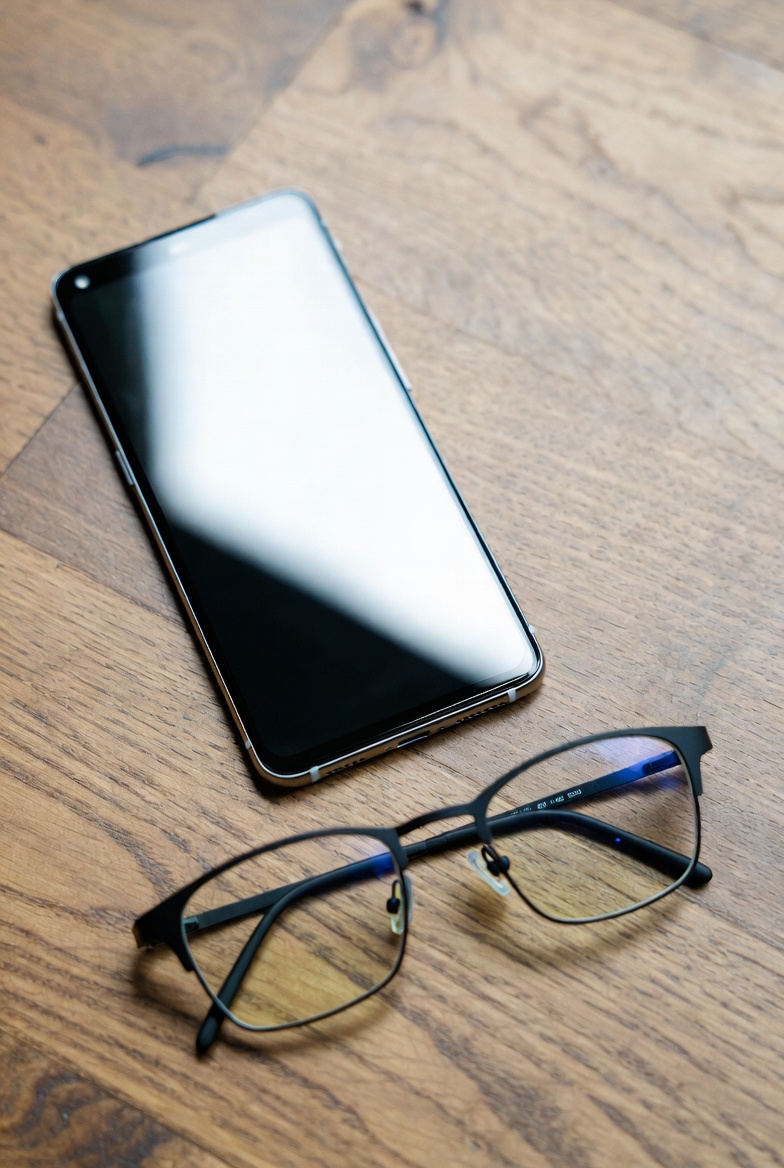
Skip these smart glasses if they need to be a phone replacement or perfect AR
If you expect a full augmented reality headset, skip current consumer smart glasses. Most models offer limited overlays, simple notifications, or basic navigation cues, not immersive, spatial AR. Waiting makes sense if your priority is true see-through graphics, complex 3D tracking, or a heads-up experience that matches dedicated AR headsets.
Also skip them if your baseline is long battery life. Current designs trade battery for slimness and comfort. That means a day of heavy use, video recording, or continuous navigation will leave you hunting for a charger. If you need a device to run all day without compromise, wait for next-generation power solutions.
Don’t buy these expecting perfect camera or microphone performance. Think convenience snapshots and voice notes, not DSLR-level photos or studio-ready audio. If privacy comfort is your top concern, pause too. Ambient microphones and front-facing cameras create real social friction and potential policy issues in public or workplace settings.
Finally, avoid buying smart glasses as a phone replacement. They are companion devices. They do some things faster and hands-free, but they do not yet replace the breadth of apps, battery life, or input methods of a modern smartphone. If you need that full functionality now, stick with a phone and revisit smart glasses later.
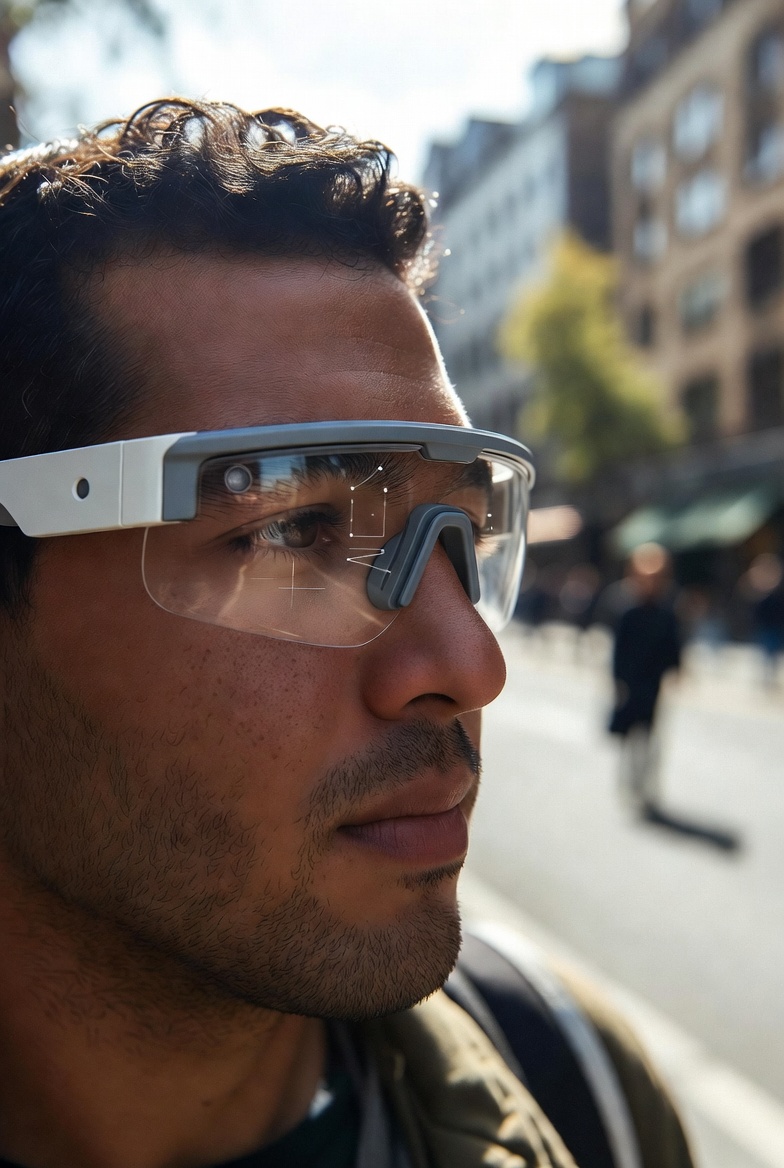
Verdict: Buy for the use case, not the novelty
Smart glasses are useful tools when they solve a specific problem. They shine at hands-free notifications, heads-up navigation, quick voice calls, and taking casual photos or videos when a phone is awkward. If you have a clear task in mind, pick the model that covers that task well, not the one with the flashiest marketing.
Expect tradeoffs. Battery life, comfort, and app support will dictate whether you actually reach for the glasses every day. Models that try to be everything, from full AR to a media headset, typically compromise in several areas. Be suspicious of big feature lists paired with short battery claims or weak app ecosystems.
Price matters, but so does fit. Cheap options can do basic audio and notifications, but they often skip reliable mics, decent battery, or durable frames. Expensive models buy better integration and louder arguments for convenience, but only if the core features match what you will use. In short, buy for use case, not for future promise.
Final practical line: define the one or two tasks you want smart glasses to handle, then choose the model that does those tasks well. That approach avoids buyer regret and gets you a gadget you will actually use.
More BuyerProbe Reads
Keep Reading

review / product
Silky Professional BIGBOY 2000 Folding Saw: durable, fast cutting for heavy yard and trail work
A practical look at the BIGBOY 2000 after a year of regular use. Learn what it handles well, its real limitations, and who should buy it.

review / comparison
The Pink Stuff Review: What It Cleans, What It Can Scratch, and What TikTok Leaves Out
A practical look at The Pink Stuff Miracle Cleaning Paste and what viral videos do not show. Learn where it shines, where it risks damage, and better options for delicate surfaces.

review / product
ALPS OutdoorZ Crossfire Pack (Realtree APX) Review: A Comfortable Day Pack for Hunters
A hands-on look at the Crossfire 23L hunting pack. Learn where it shines, who should buy it, and which hunters should look for bigger, tougher alternatives.

review / product
550 Paracord (Type III) Review: Practical Guide for EDC, Bushcraft, and Prep
A no-nonsense look at authentic Mil‑Spec 550 paracord in 2026: what it actually does well, where cheap knockoffs fail, and how to pick and use cordage that won’t let you down in the field.
review / buying_guide
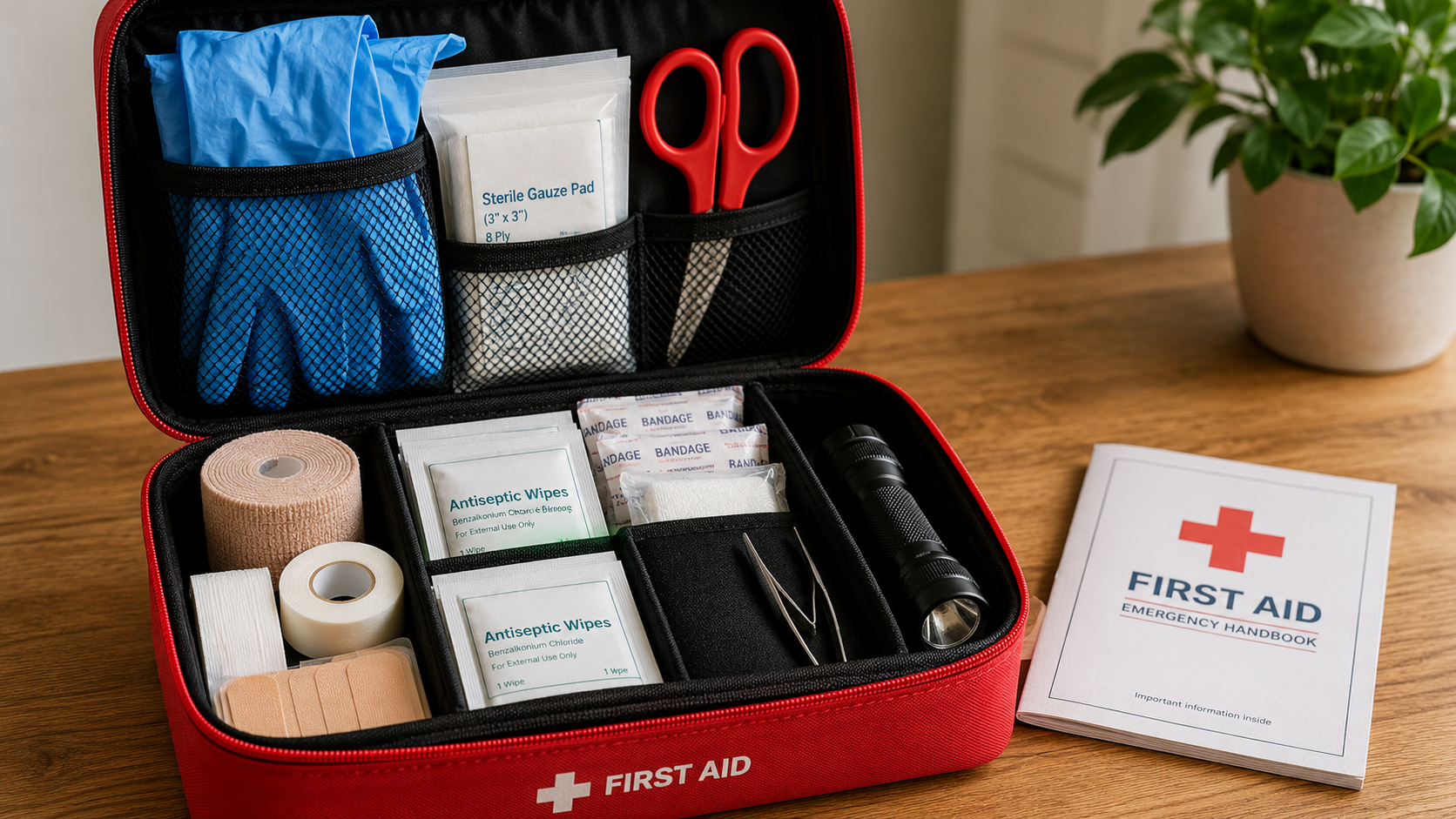
First Aid Kit Checklist: What I’d Want in One Before I Trust It
A first aid kit is one of those things people buy, toss in a drawer, and forget about, until the day they actually need it. Here’s what I’d check before trusting one for the house, truck, range bag, camping kit, or bug-out setup.

review / product
A Tried-and-True Camp Tool That Earns Its Spot in Your Pack
When it comes to camping gear, some tools look good online but disappoint in the field. The Silky PocketBoy Folding Saw is not one of those tools.

mistakes / buying_guide
The Problem With Pre-Made Survival Kits
Pre-made survival kits can look like an easy fix for emergencies, but many prioritize shelf appeal over real usefulness. Learn what these kits miss, where they help, and how to vet one before you rely on it.

buying-guide / buying_guide
What to Pack in a Practical 72-Hour Emergency Kit
How to build a real 72-hour emergency kit that covers water, food, warmth, hygiene, tools, and meds without filler items that waste space. Learn what to prioritize and what low-value extras to skip.